 Taaktil
iPhone StandBy Clock
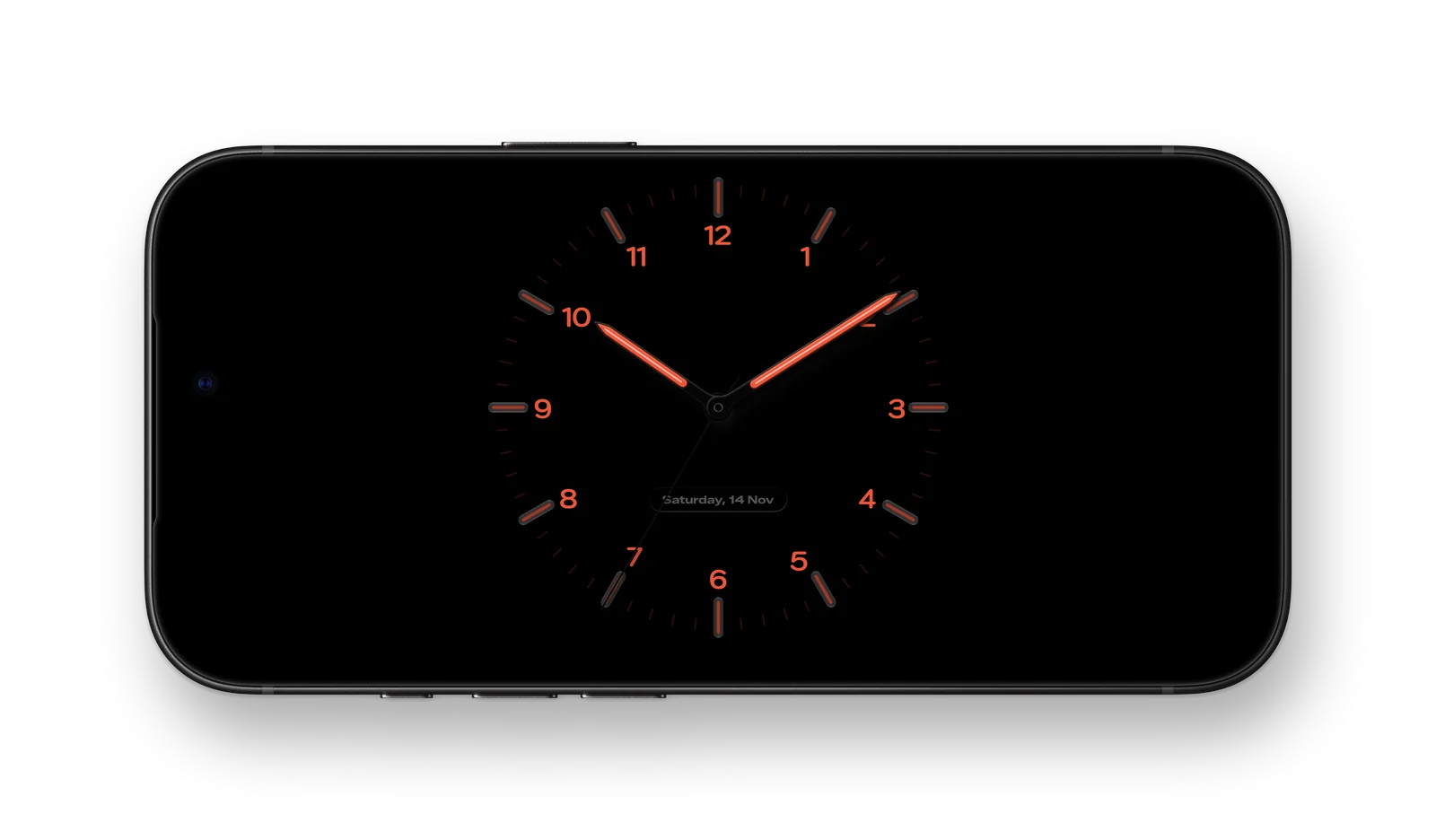
Give your iPhone an analog desk clock while it charges. During a routine, the same dial shows your countdown.
Set it up on your desk
Enable StandBy in Settings, connect your iPhone to a charger, and place it on its side. Add Taaktil’s widget to a StandBy widget stack to put the dial in view.
Choose how the clock looks
Use a light, tinted, or dark finish to suit your desk or nightstand. The analog face shows the current time between sessions.