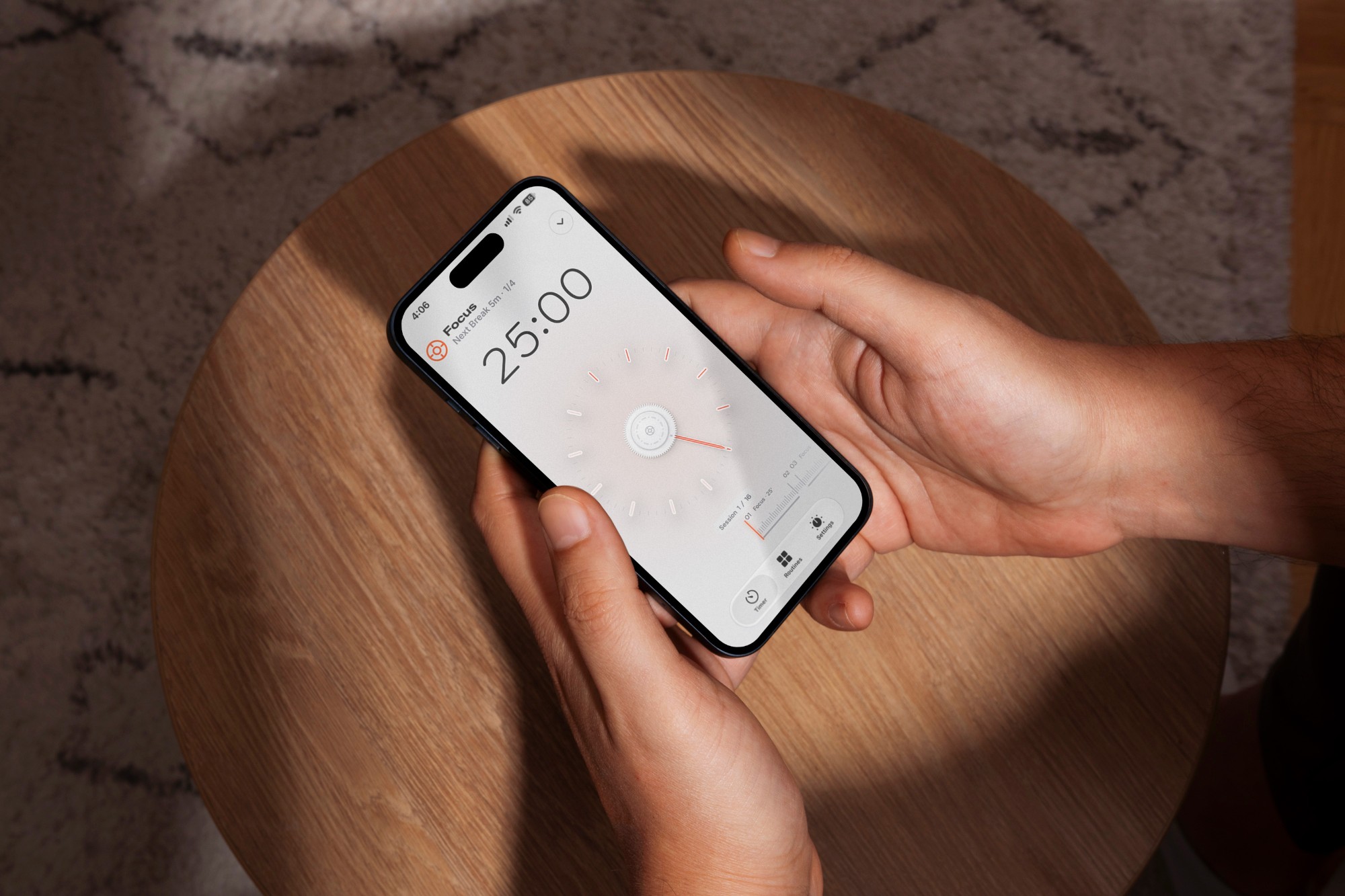
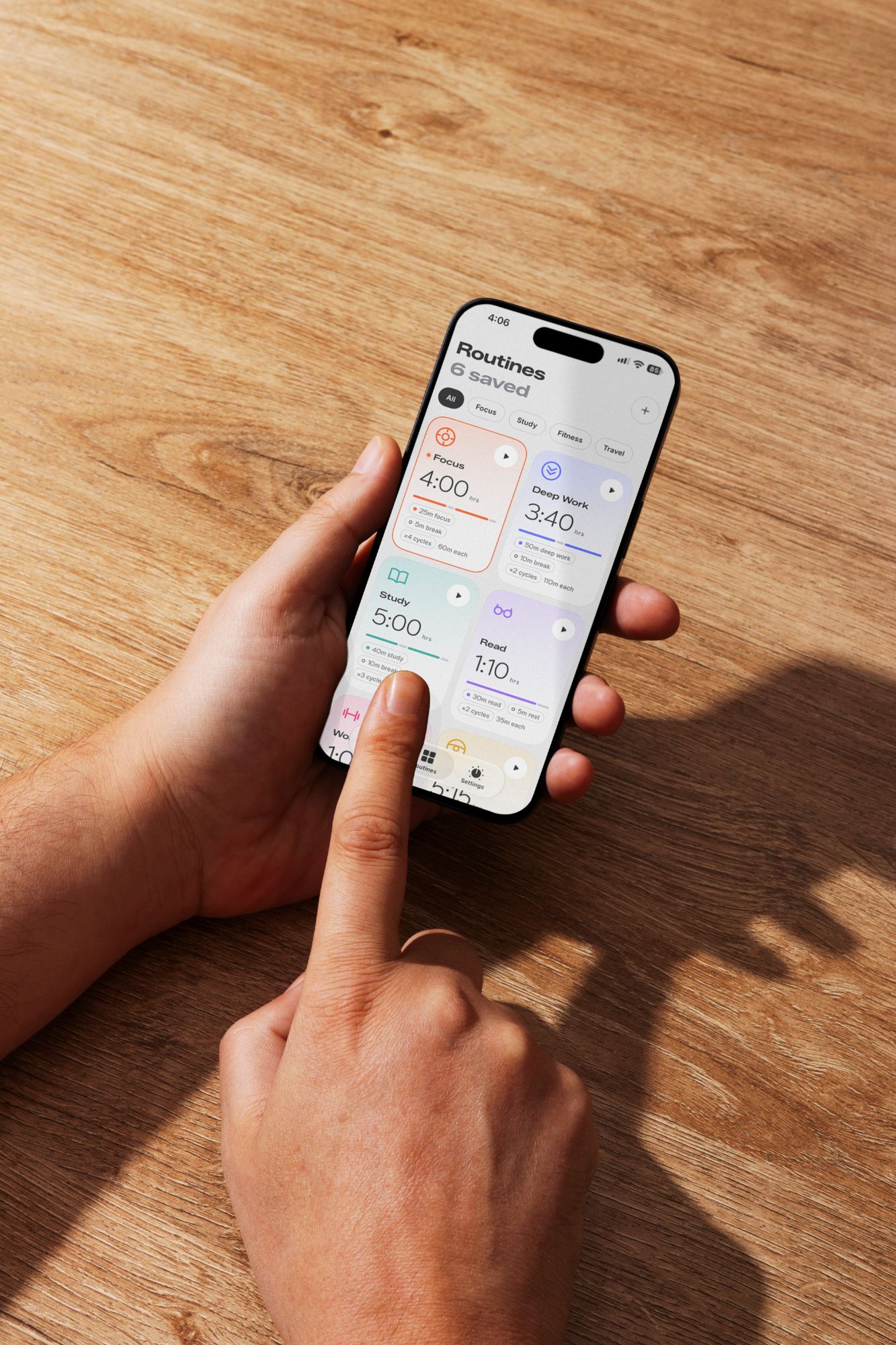
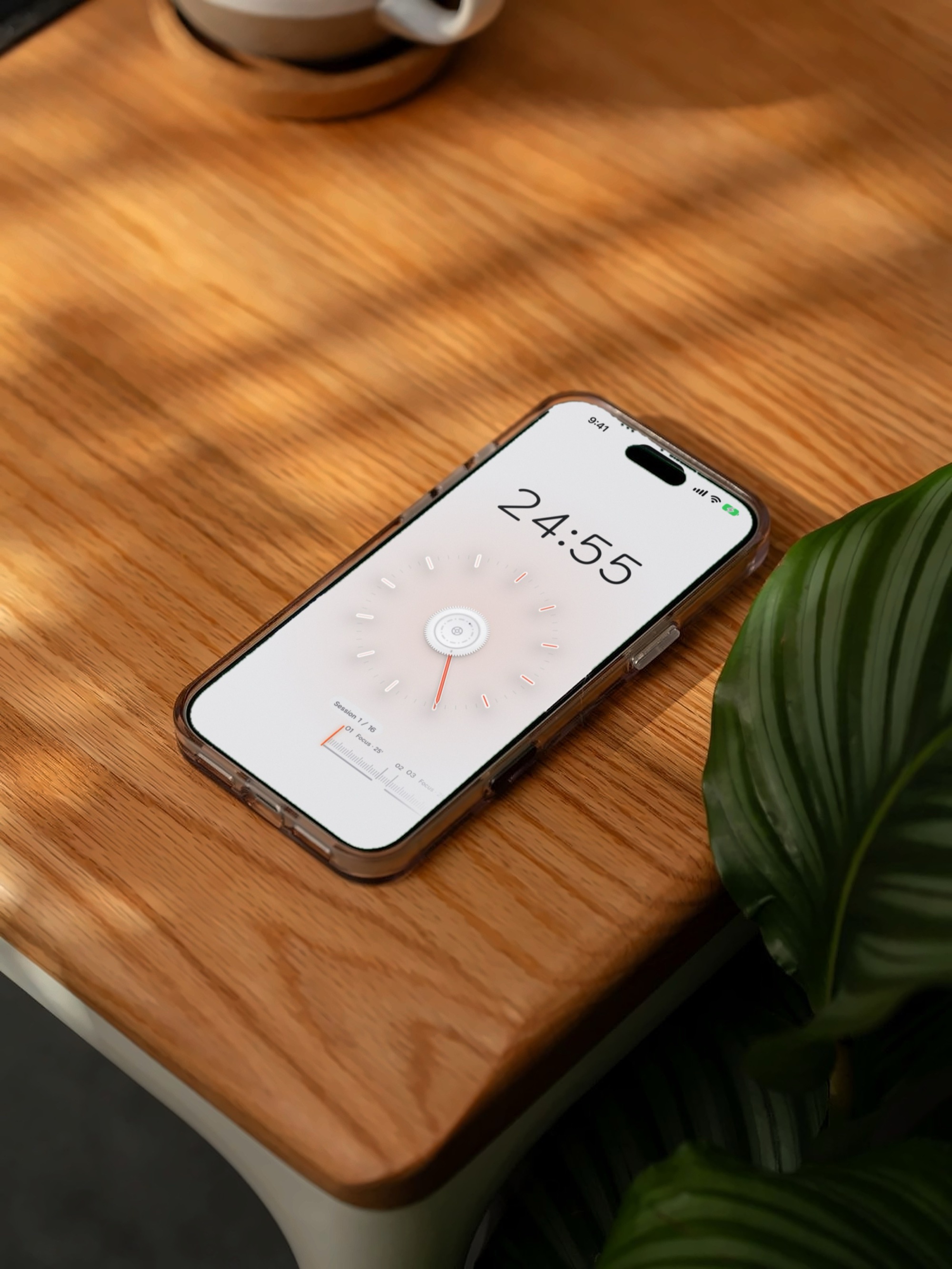
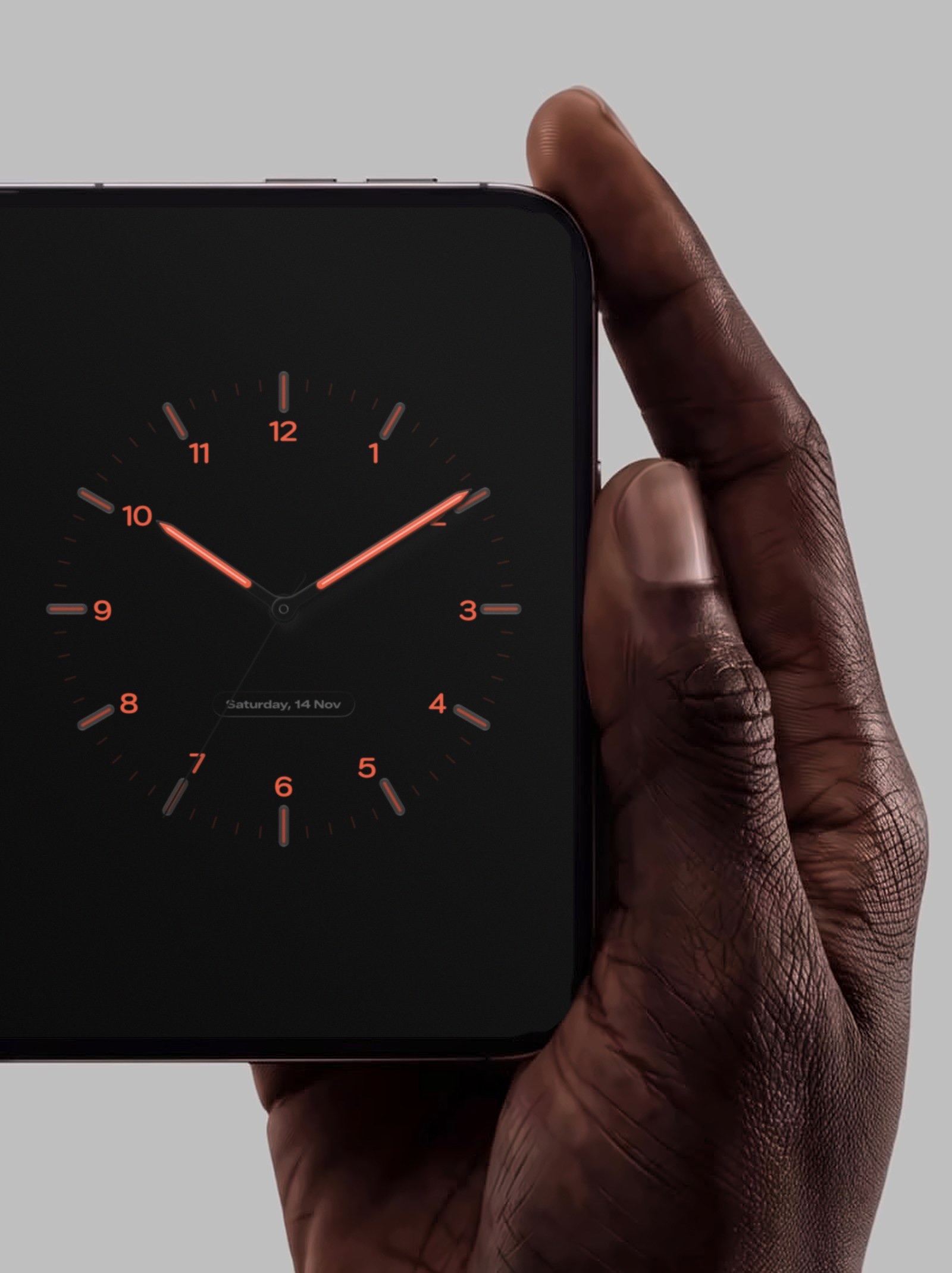
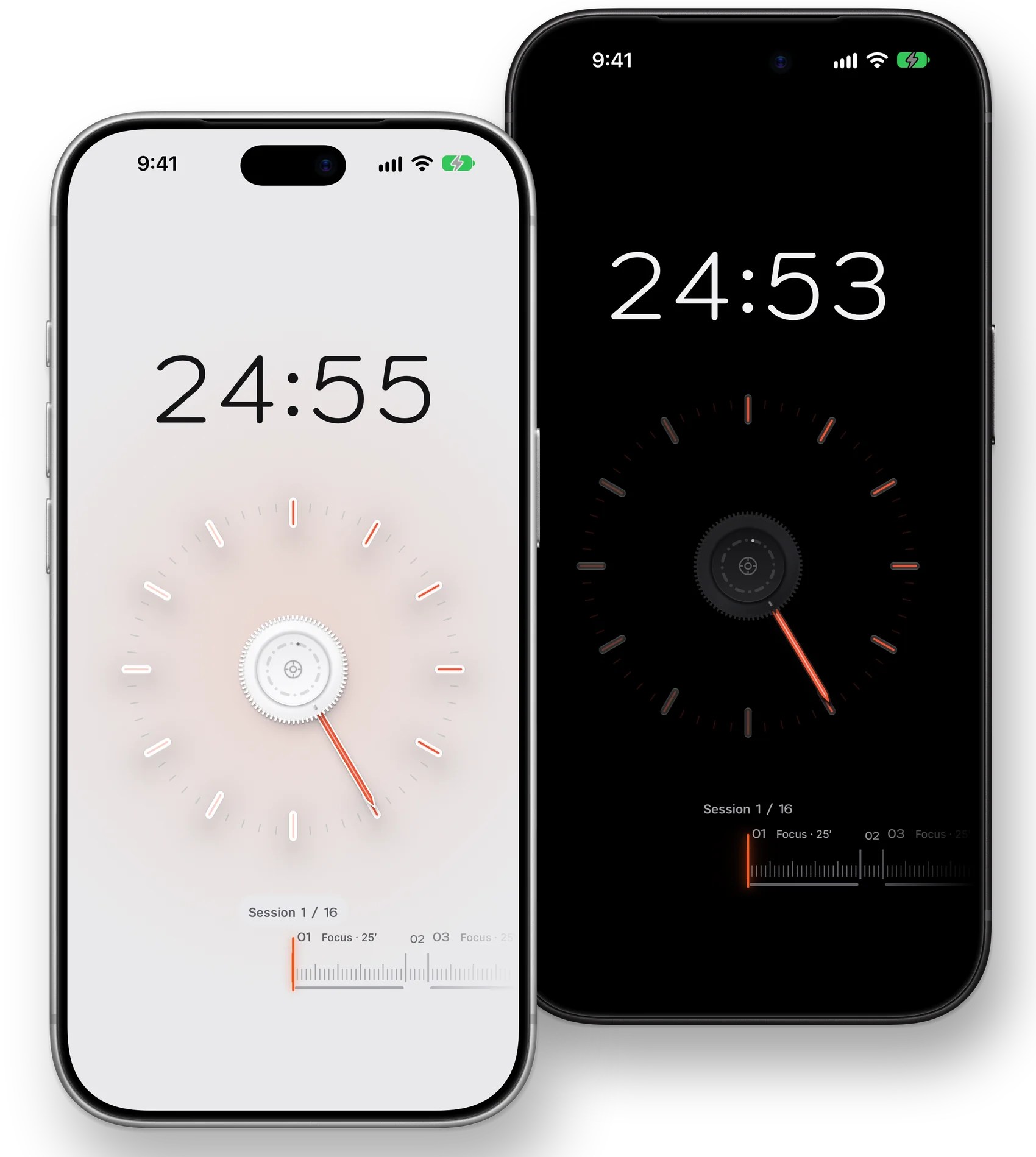
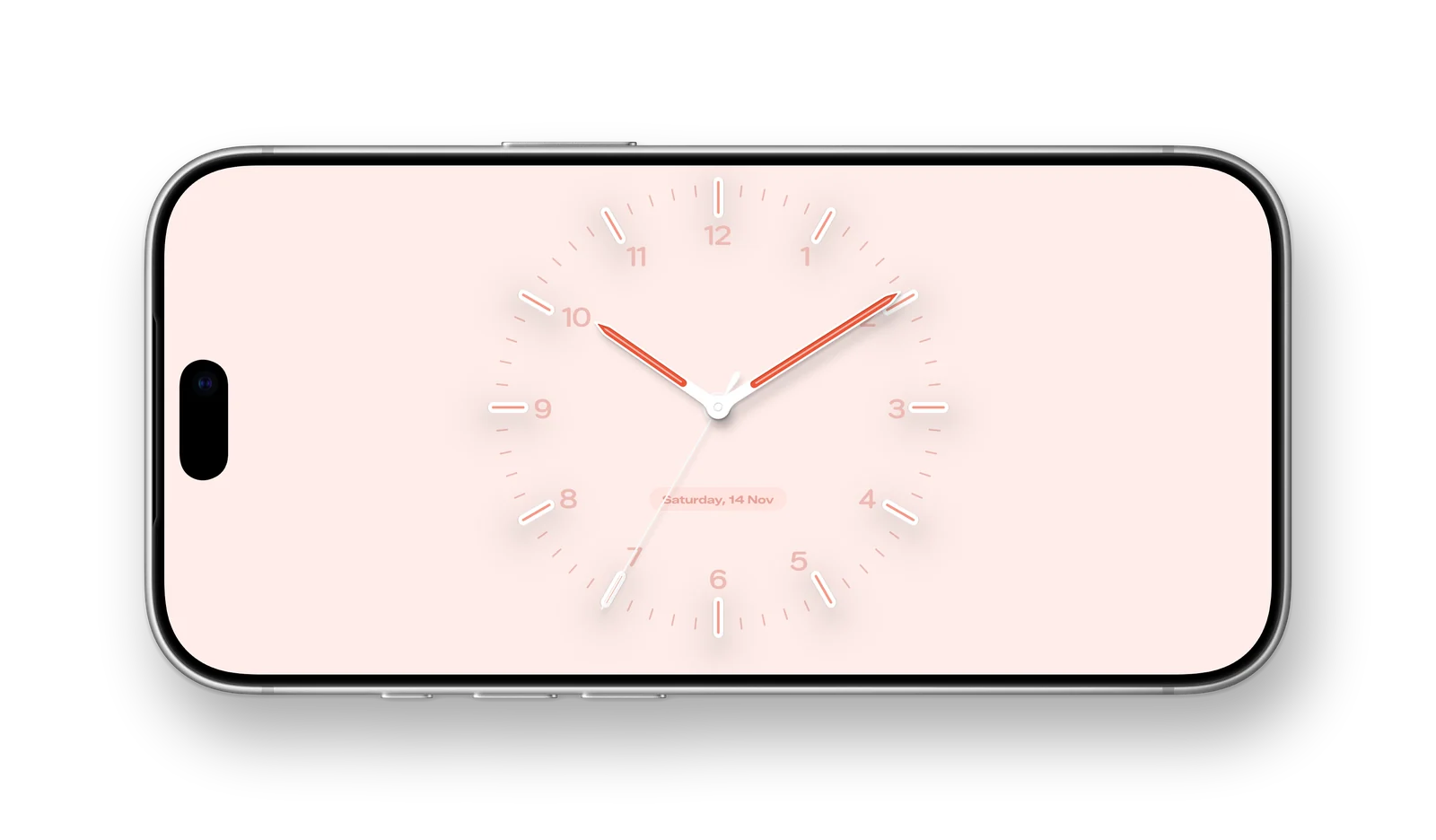
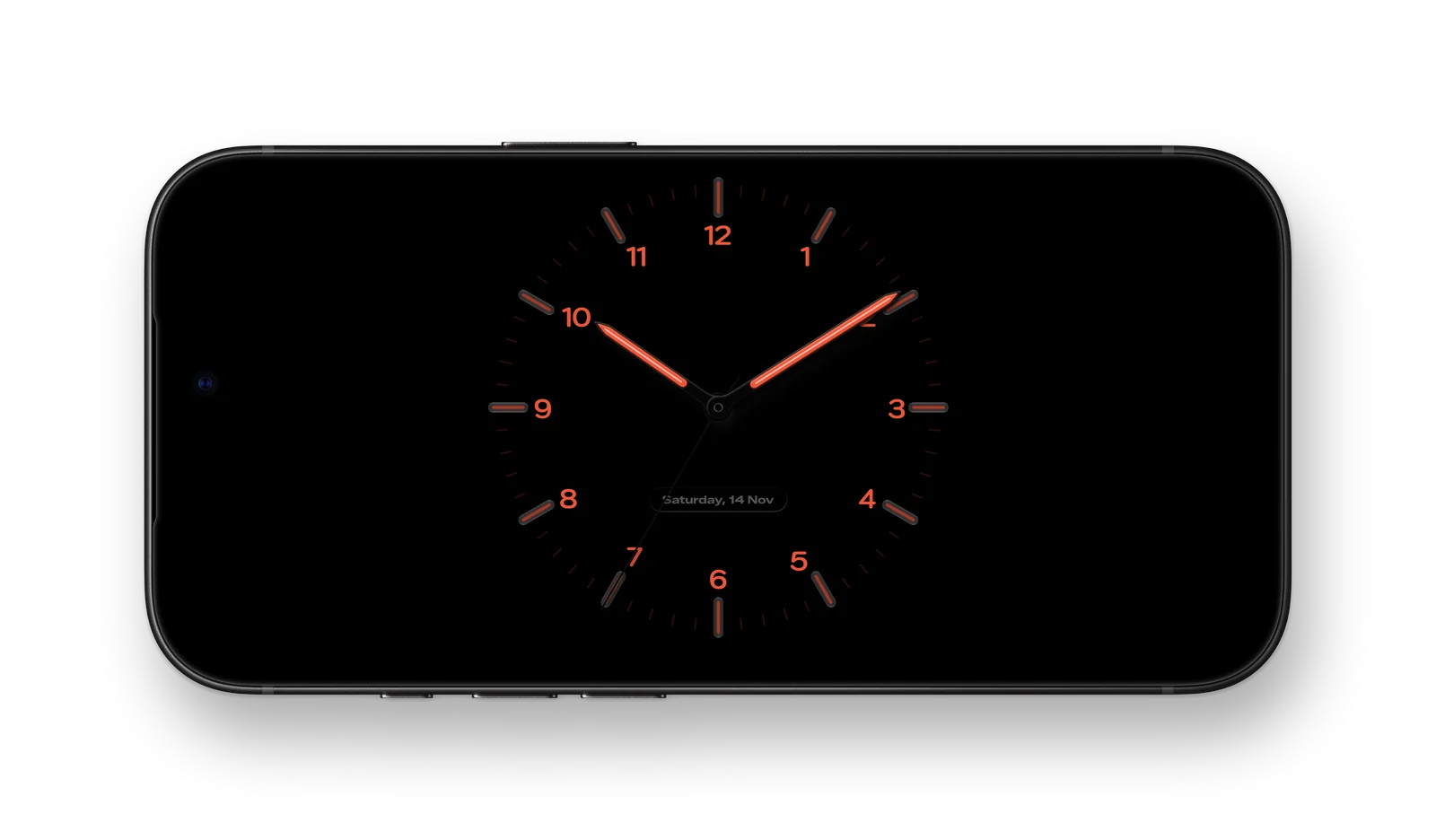
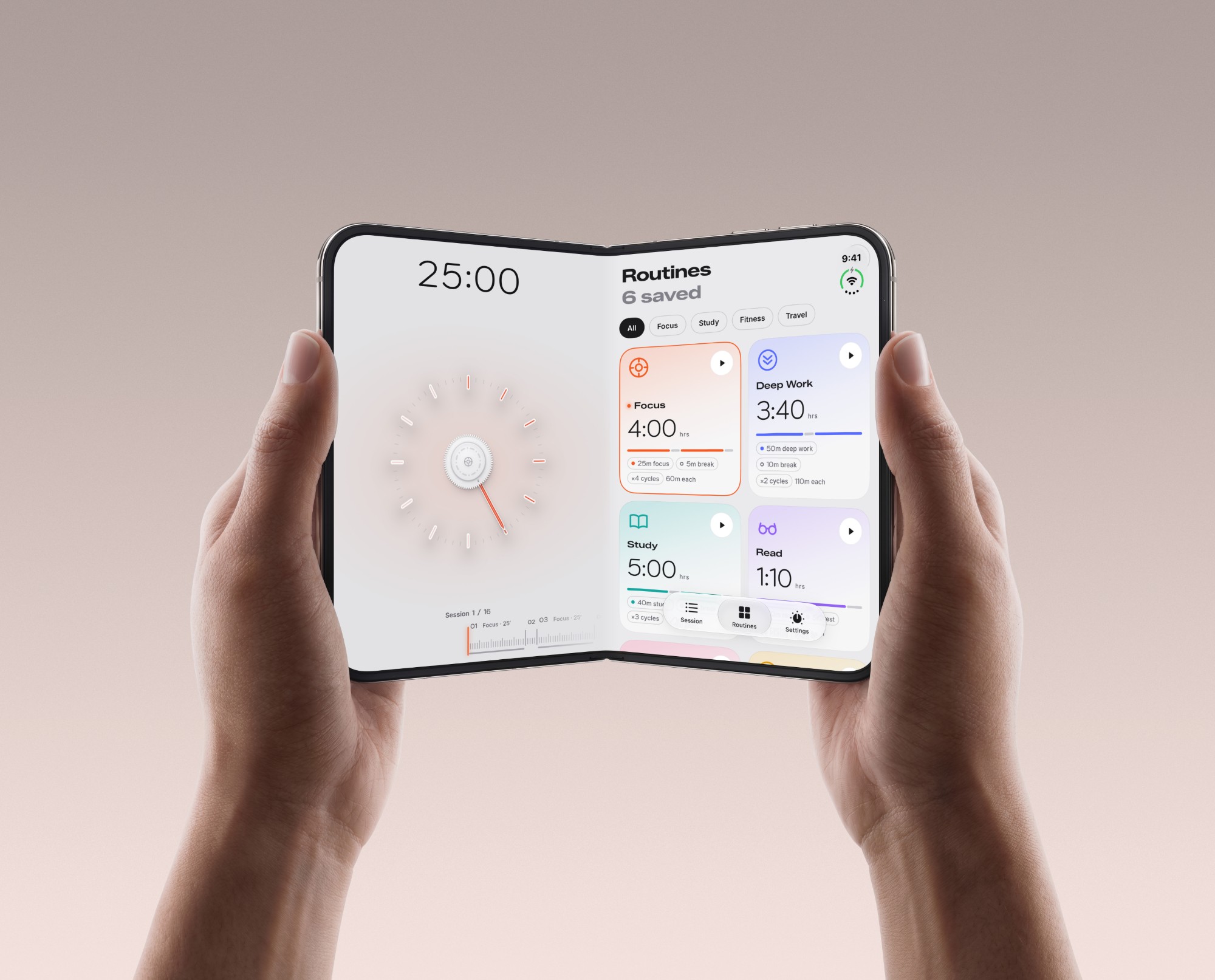
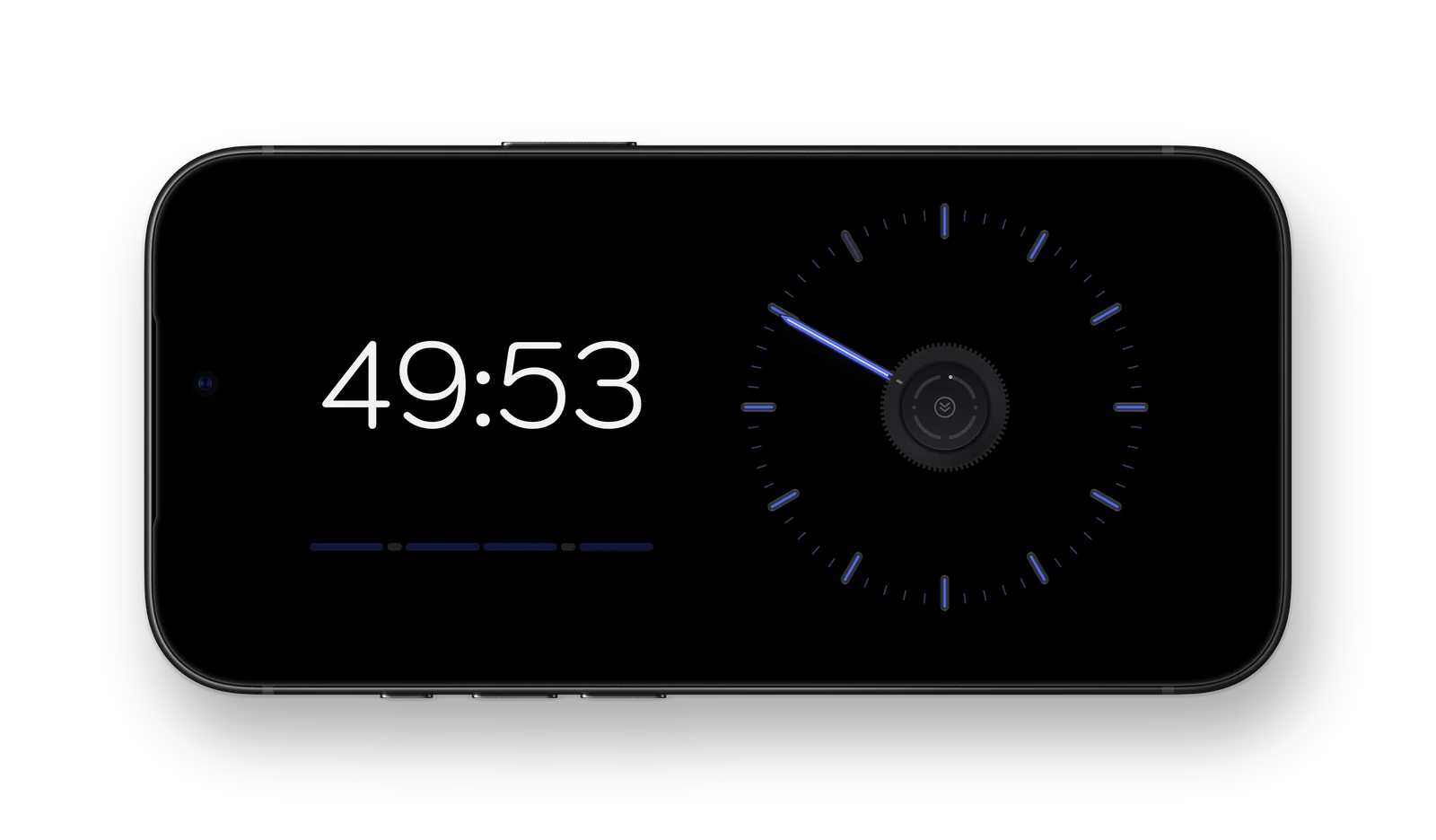
Your routinesPick one and press play.On the deskGlance down, see what’s left.On its sideThe clock, at a glance.Light and darkThe time left above the dial, the knob at its centre.iPhone StandByOn its side on a charger, it becomes a desk clock.BedsideTurn your iPhone on its side on a charger.
iPhone Duo
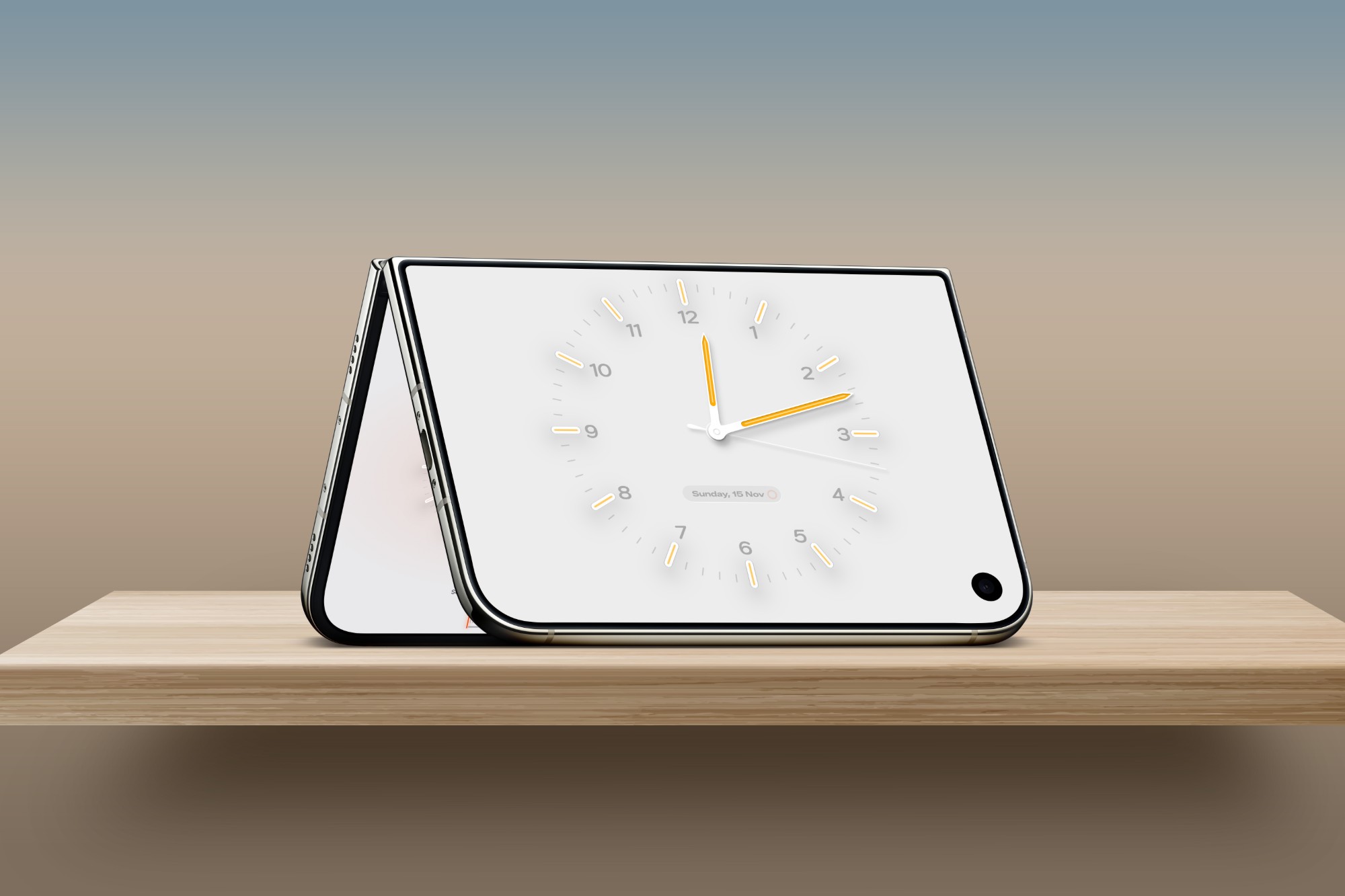
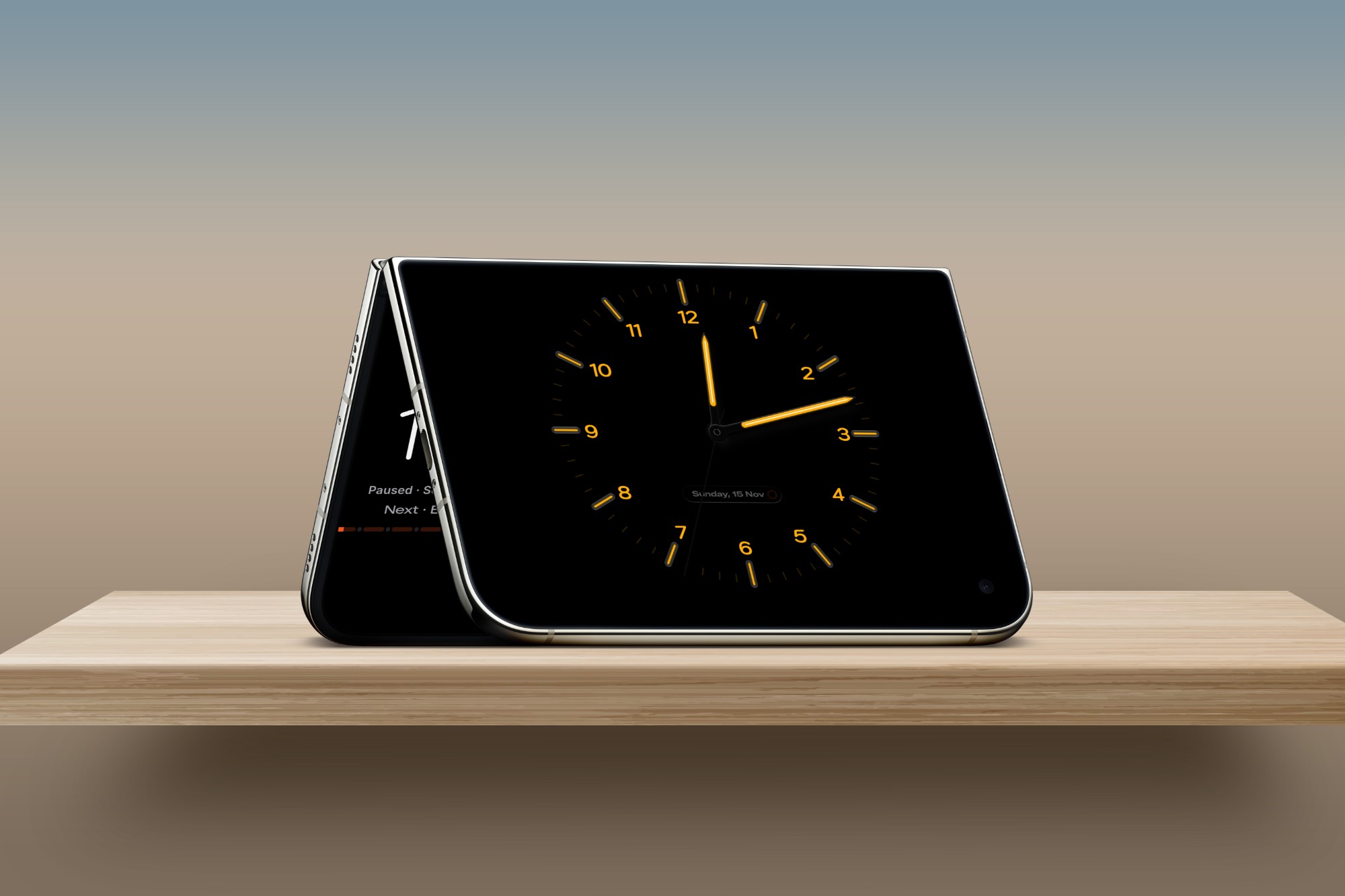
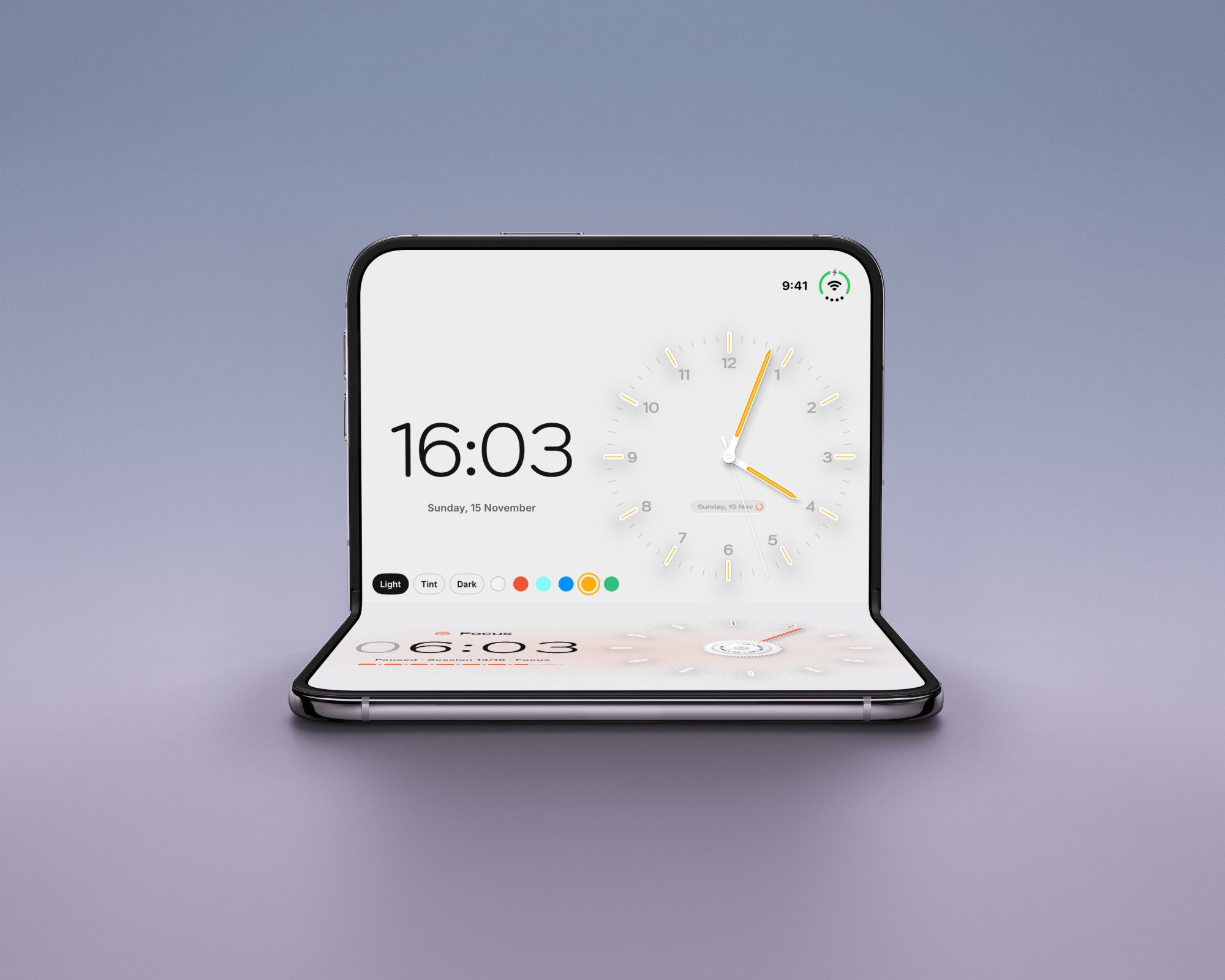
After darkBlack dial, glowing marks.Fully openThe timer on one side, your routines on the other.Half openThe clock above the hinge, the routine below.Folded, standingA desk clock on the outer screen.
Marks that light up.
Hour marks wait faintly in your routine’s colour, then glow as the needle reaches them.
Running now
25:00
Focus · session 1 of 16
Past the hour
Long sessions keep turning, with the hours counted at the top.
1:30:00
Six routines to start
Focus · 25 min
Everything on the knob
Tap to start. Double tap to skip. Hold to rewind.
Focus
Between sessions, a clock.
The same dial keeps the time on your desk, your nightstand and your Mac.
Your clock, your way
Light, tint or dark. Pick a colour, or none.
Or your routineThe time left, from across the room.
Always in view.
Live Activities, the Dynamic Island and widgets keep your session on screen when the app is closed.
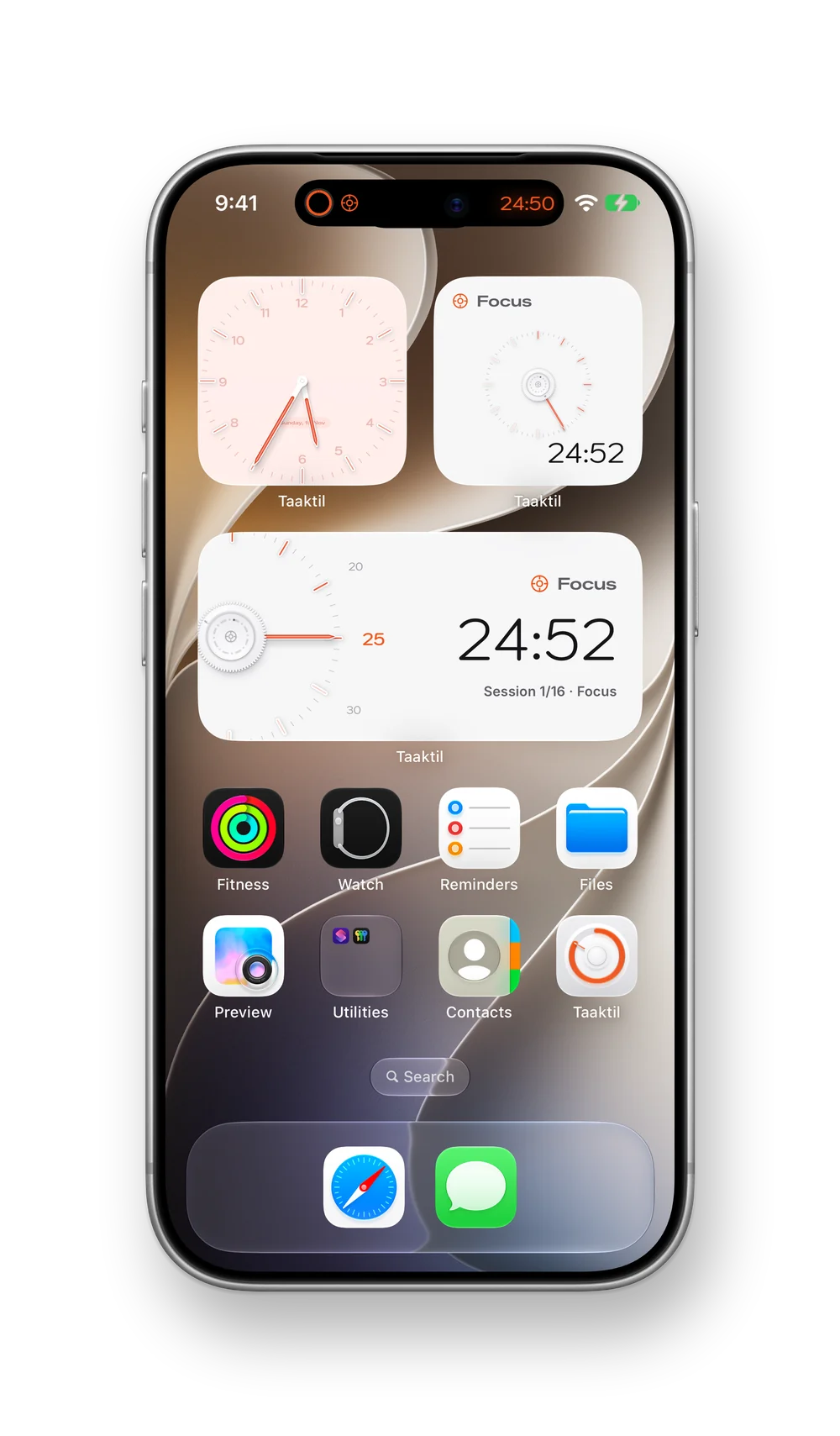
WidgetsYour routine and a clock on the Home Screen.
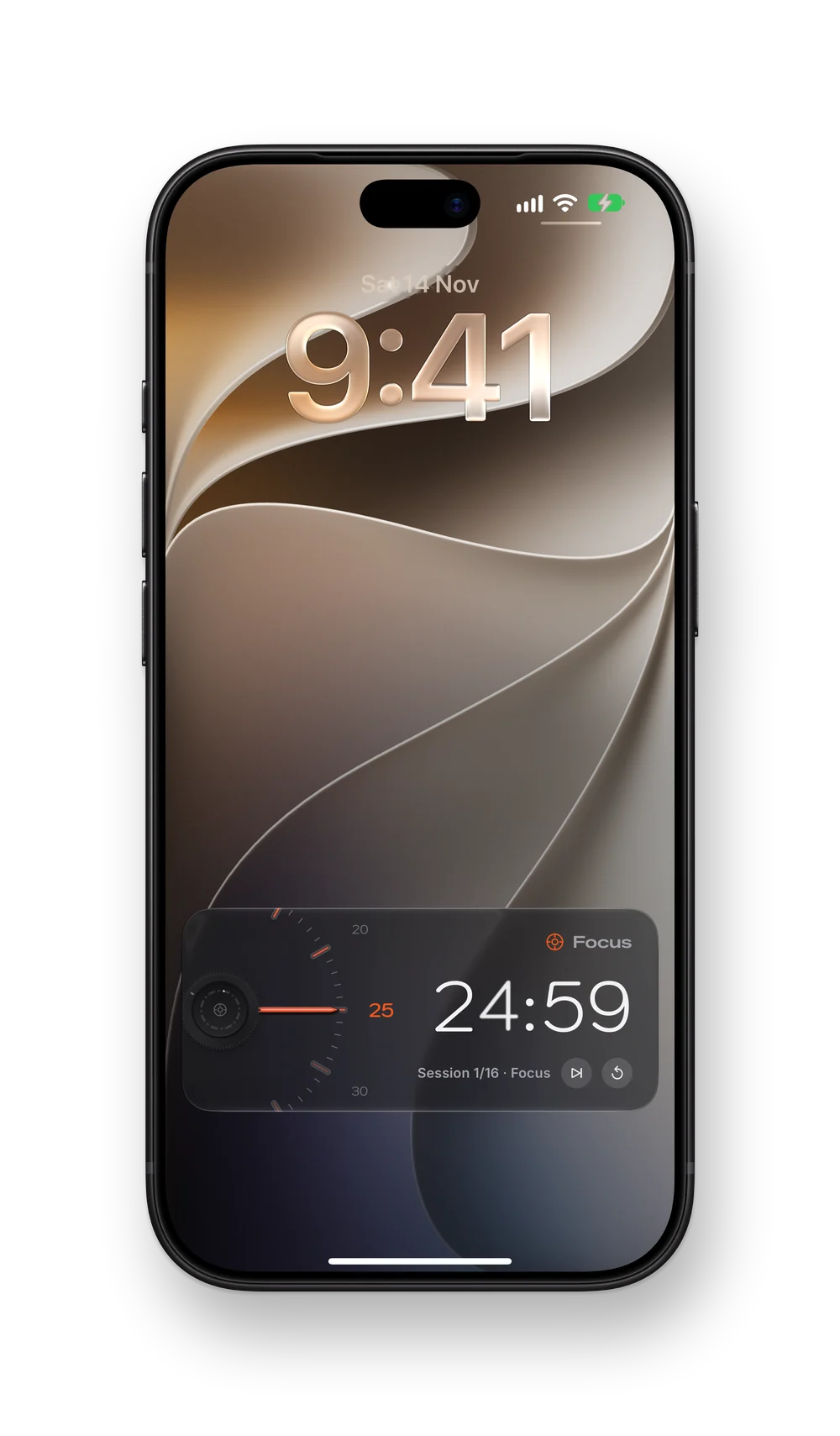
Lock ScreenThe time left, with skip and restart a tap away.
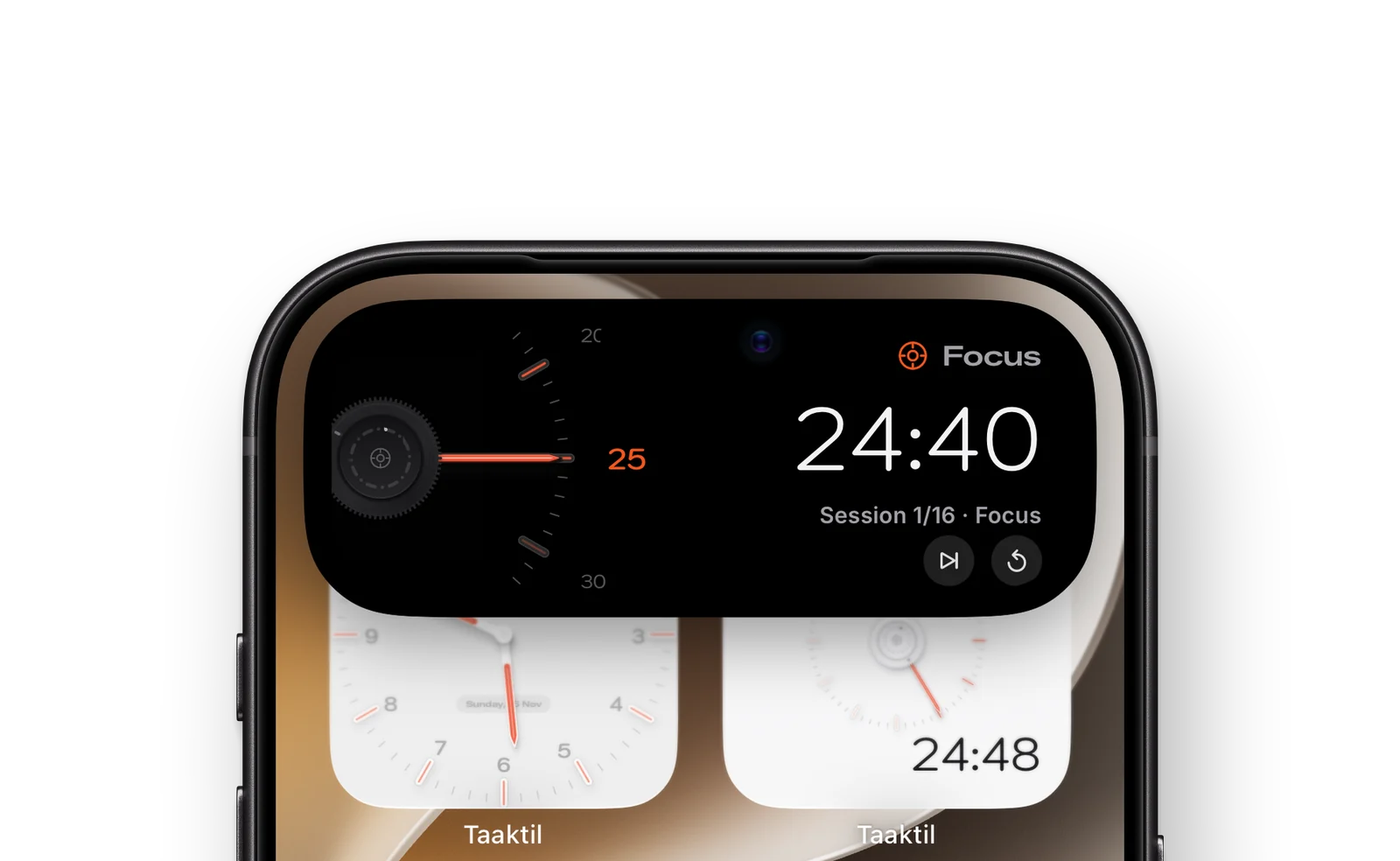
Dynamic IslandTouch and hold for the dial and its controls.
Everywhere you work.
Start on one device and the others follow.
Mac
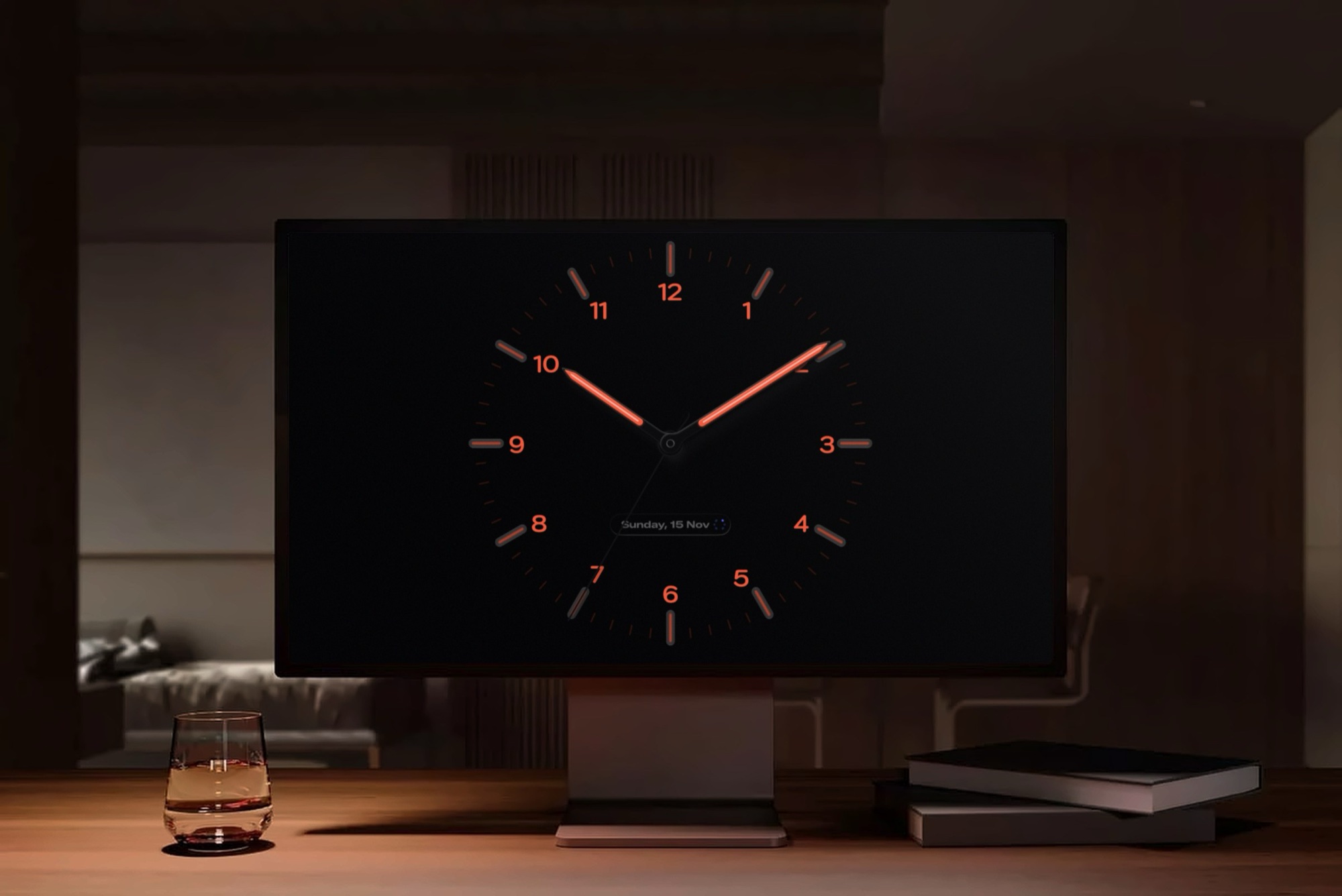
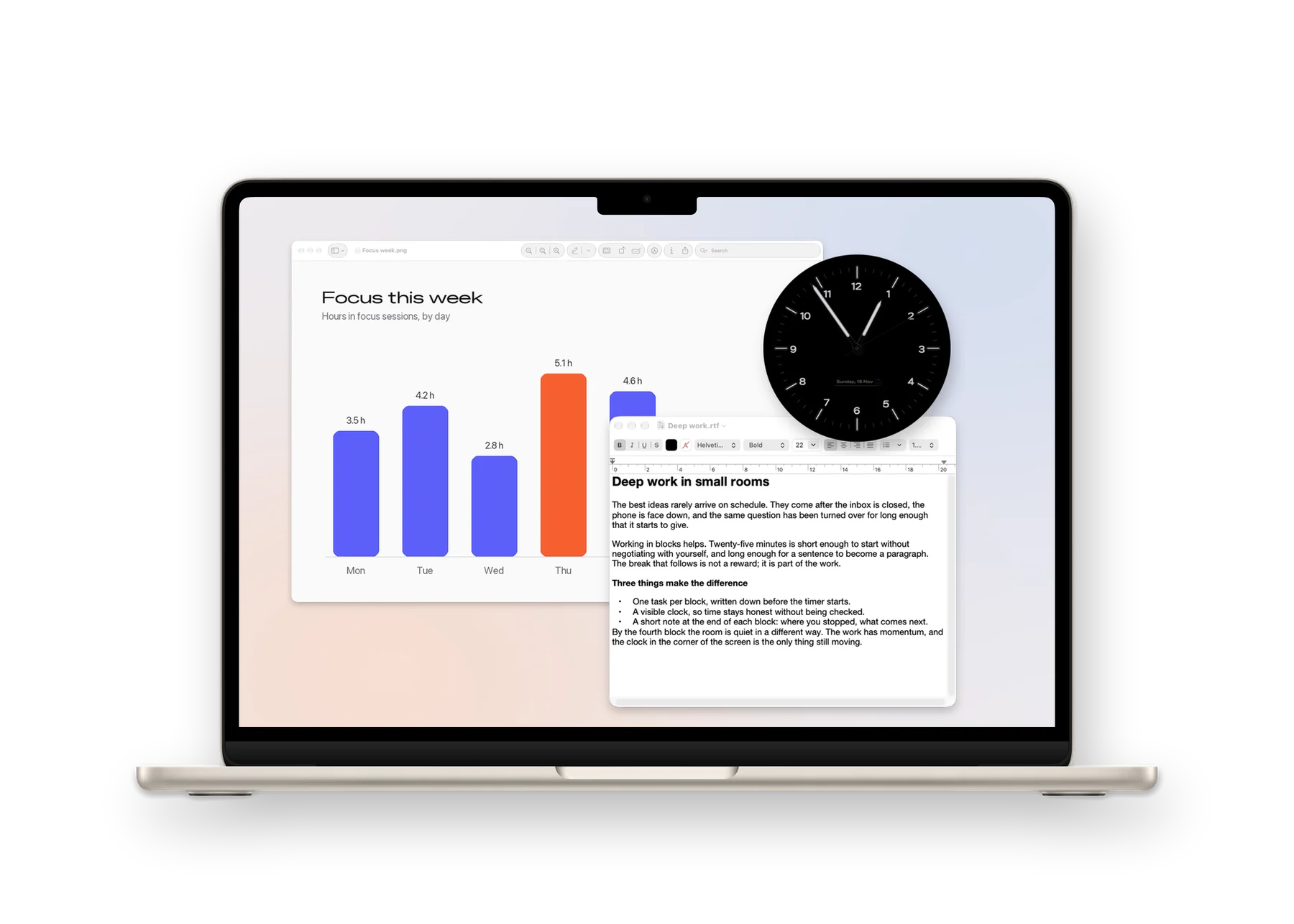
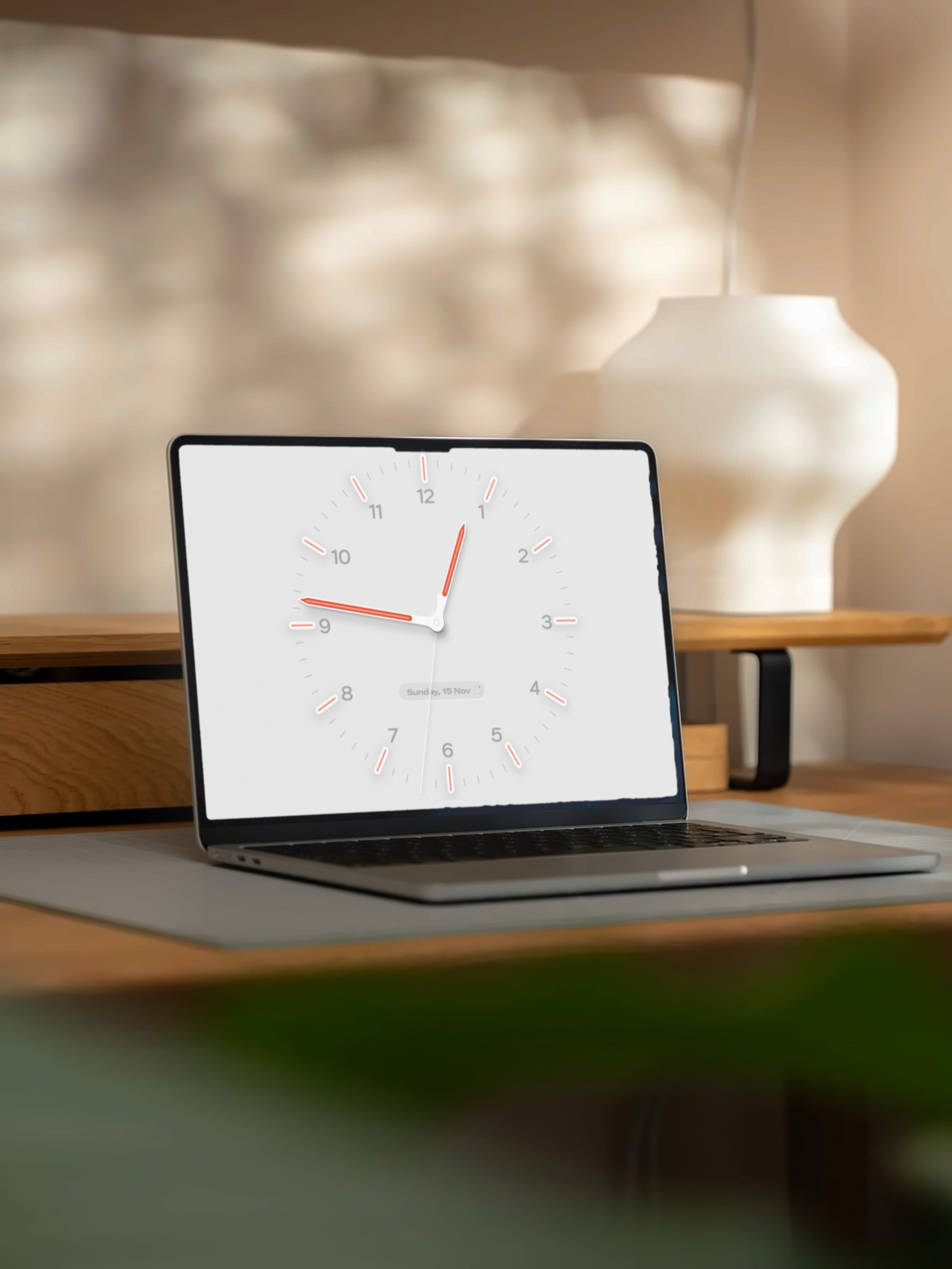
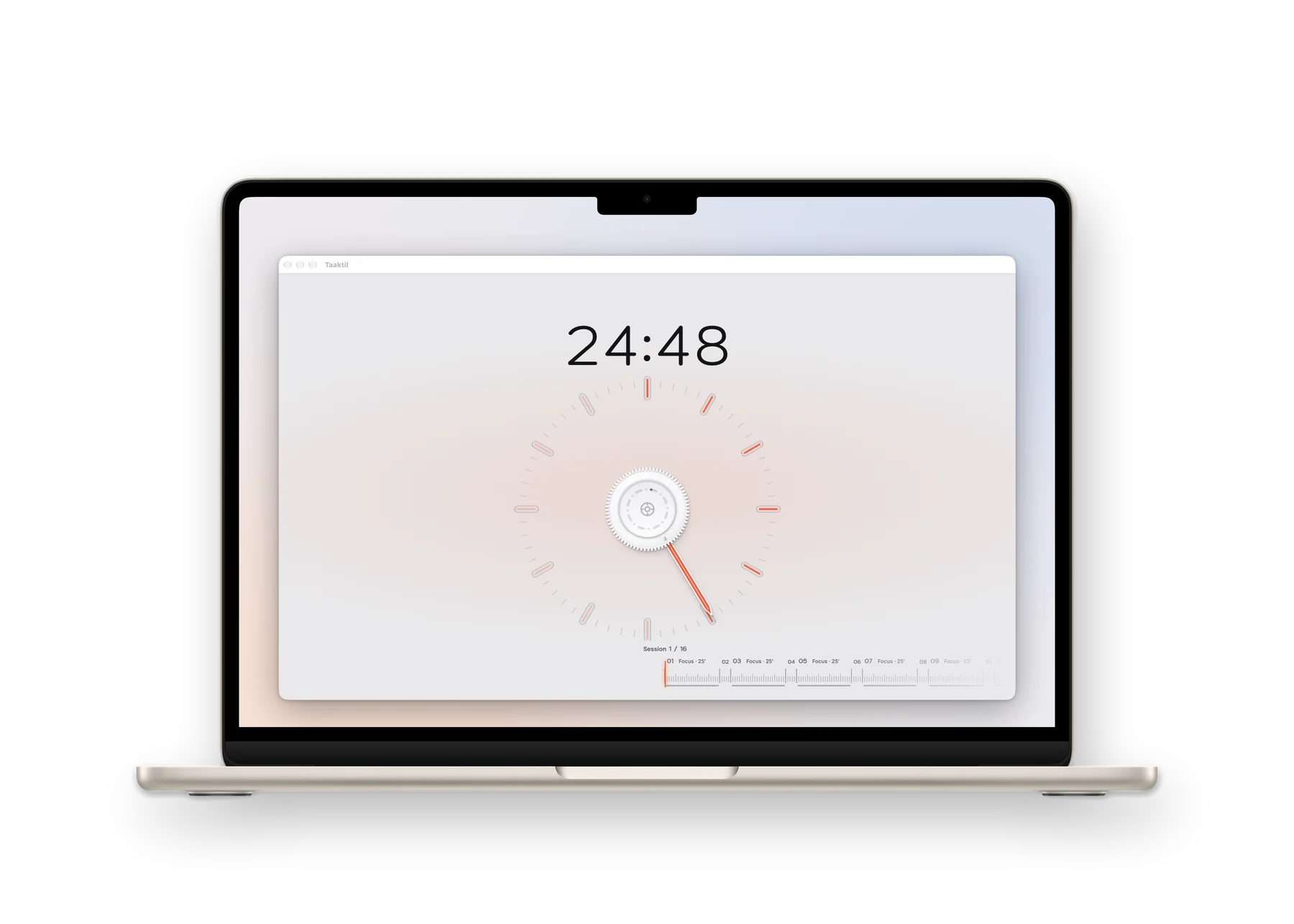
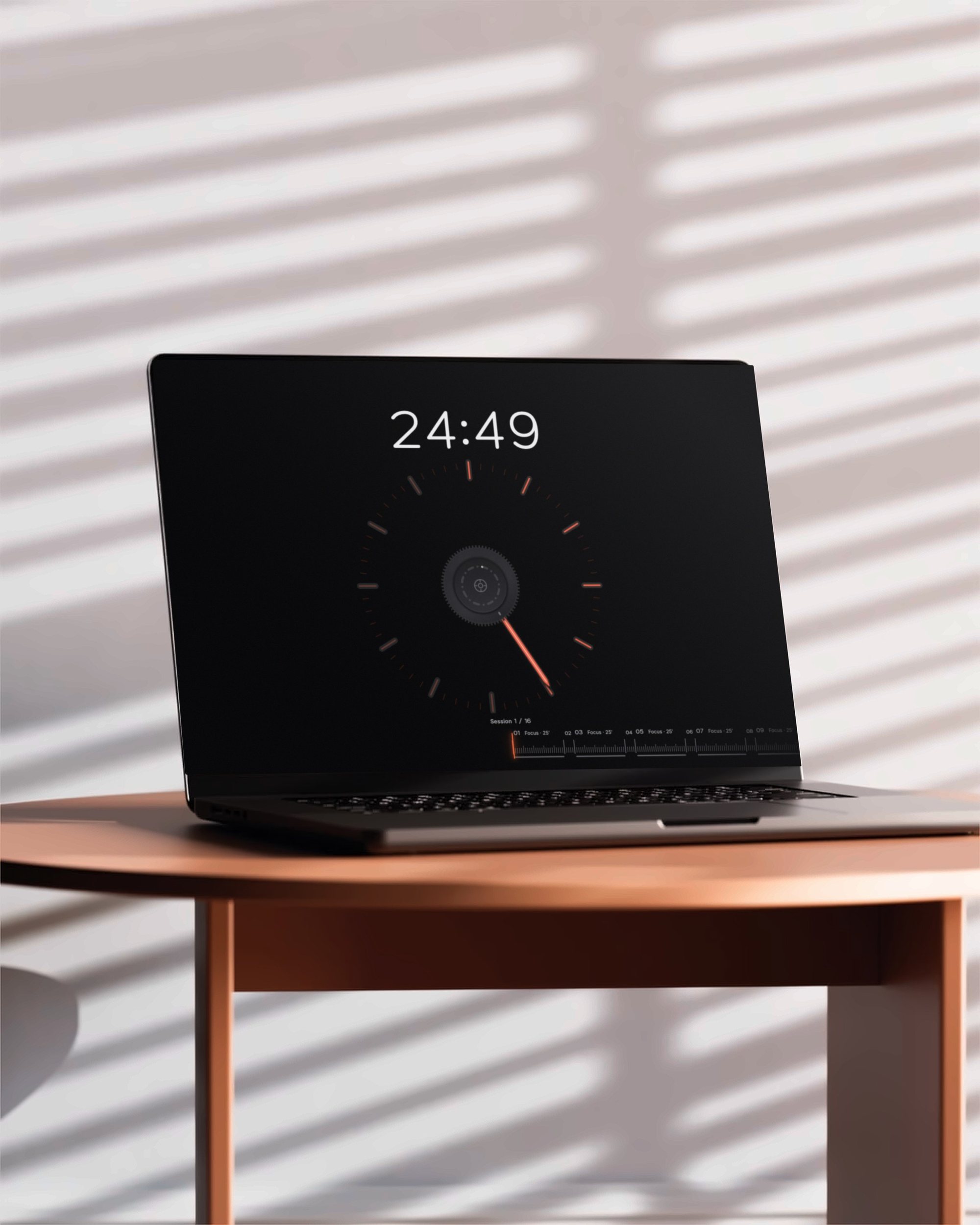
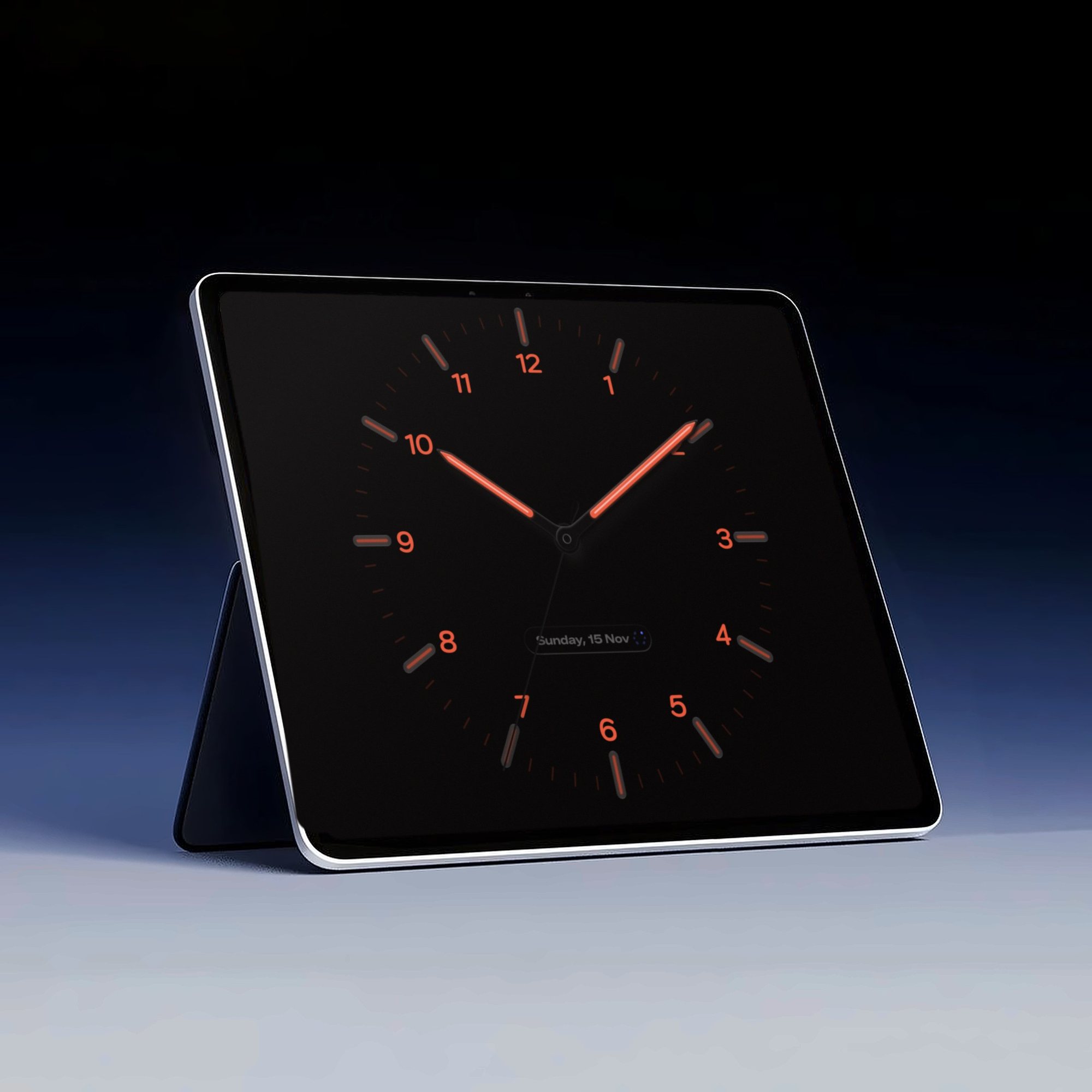
After darkThe clock as a screen saver, black and aglow.Floating over your workThe clock or the dial in a window of its own, above every app.On your MacA light clock for a bright desk.MacA window of its own for the routine.Or in dark modeBlack dial, glowing marks.
iPad
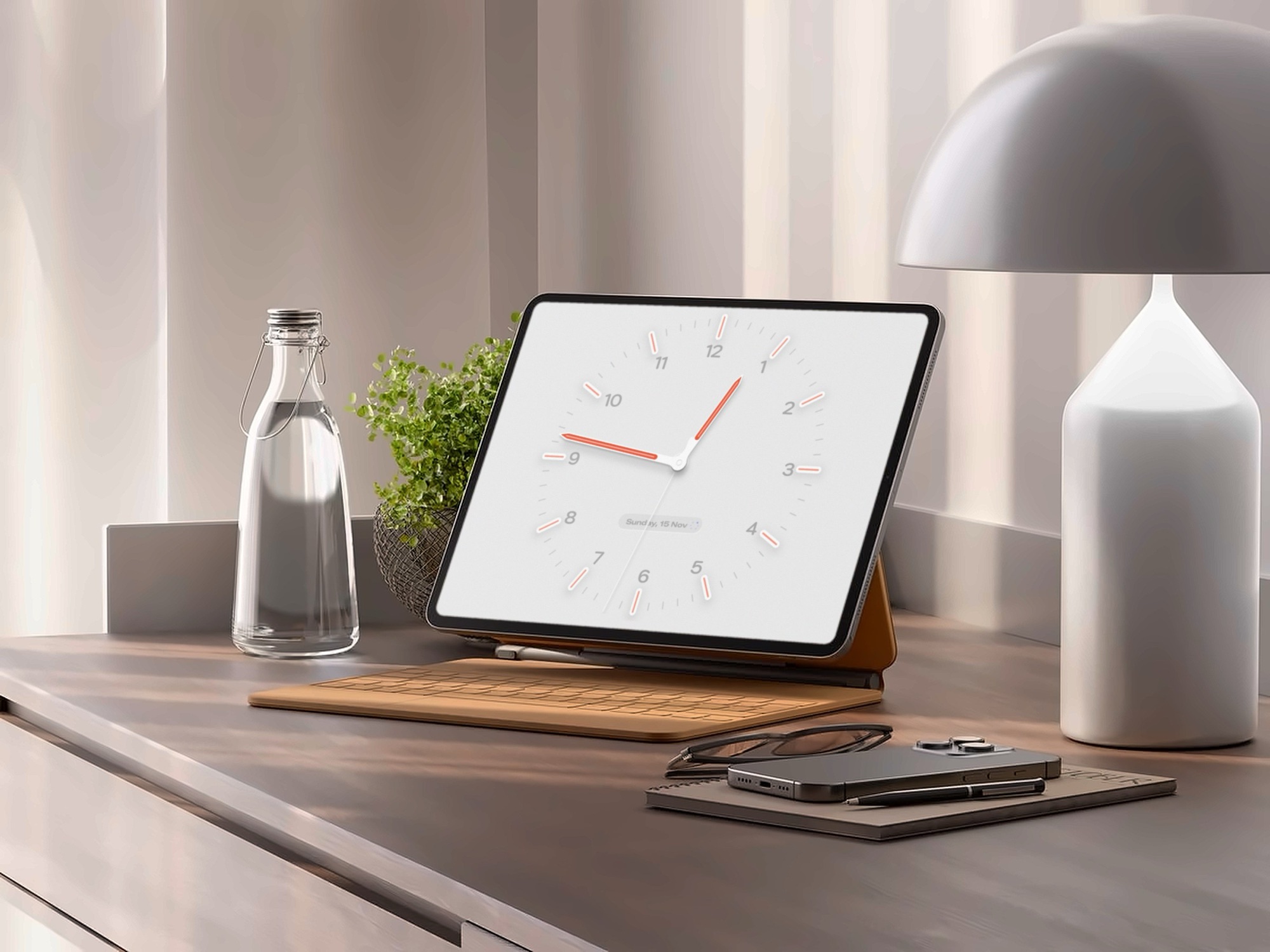
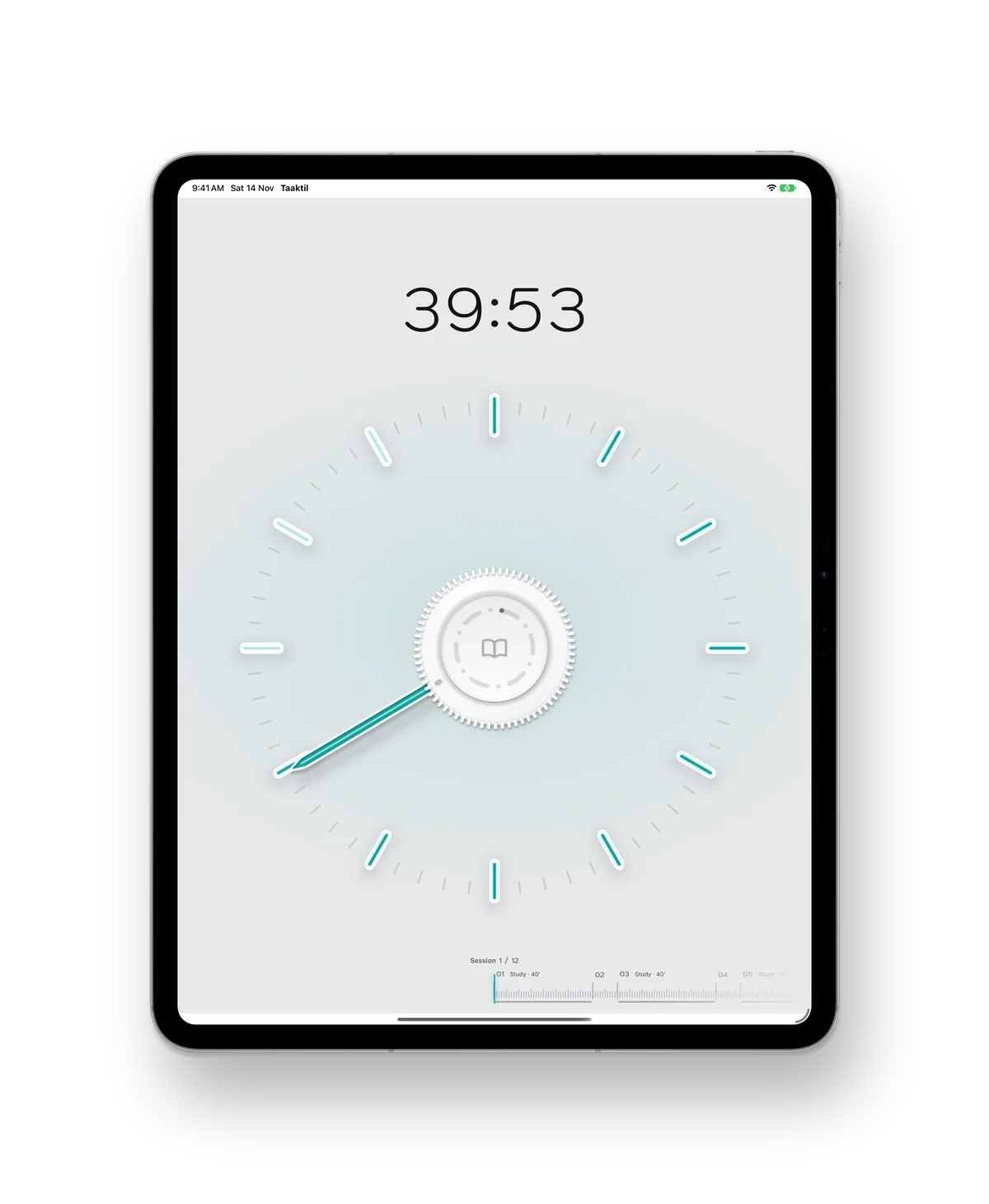
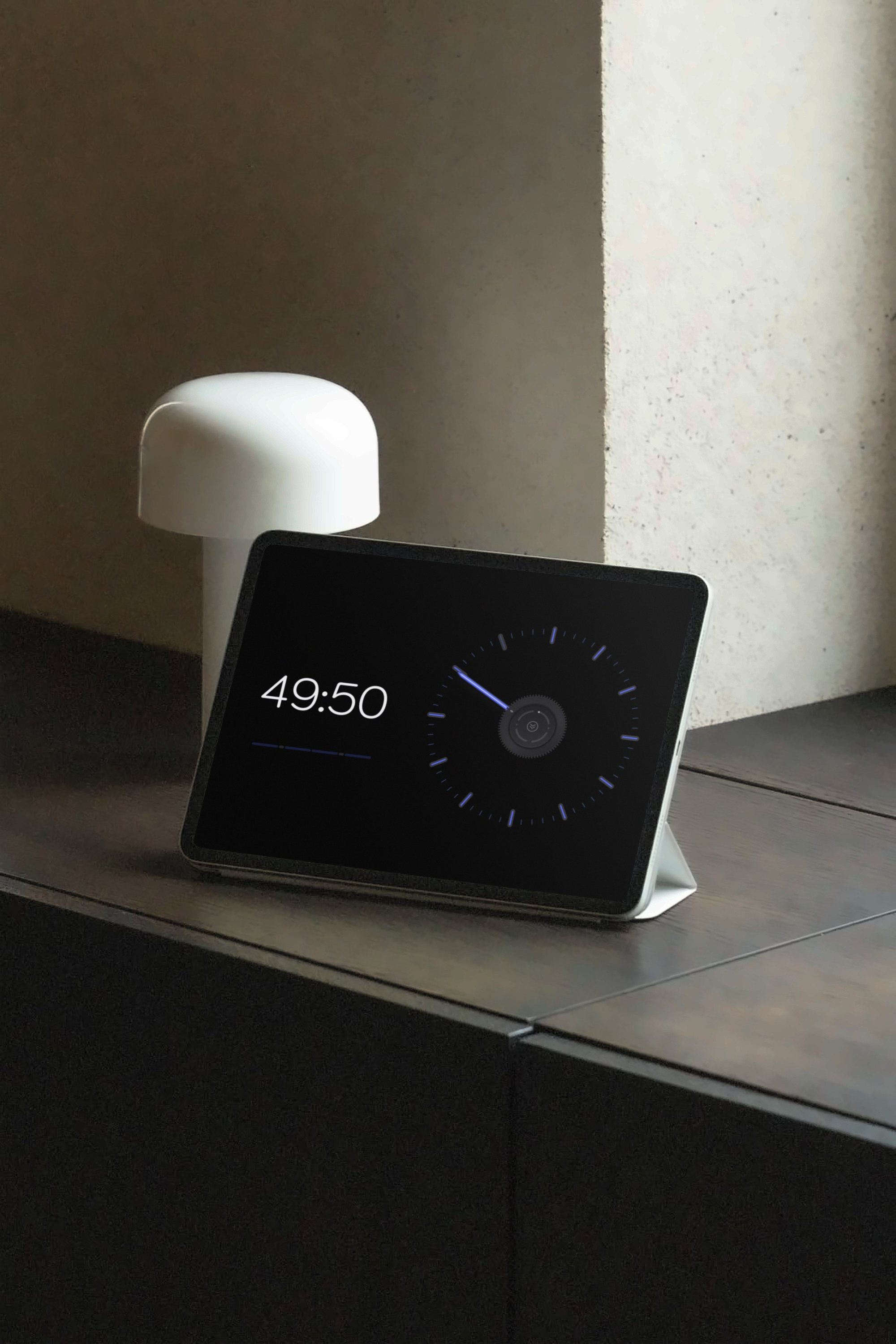
iPadA light clock between sessions.iPad on its standA desk clock when you’re between sessions.iPad ProEvery routine, full size.Across the roomThe routine keeps running in StandBy.
Apple Watch
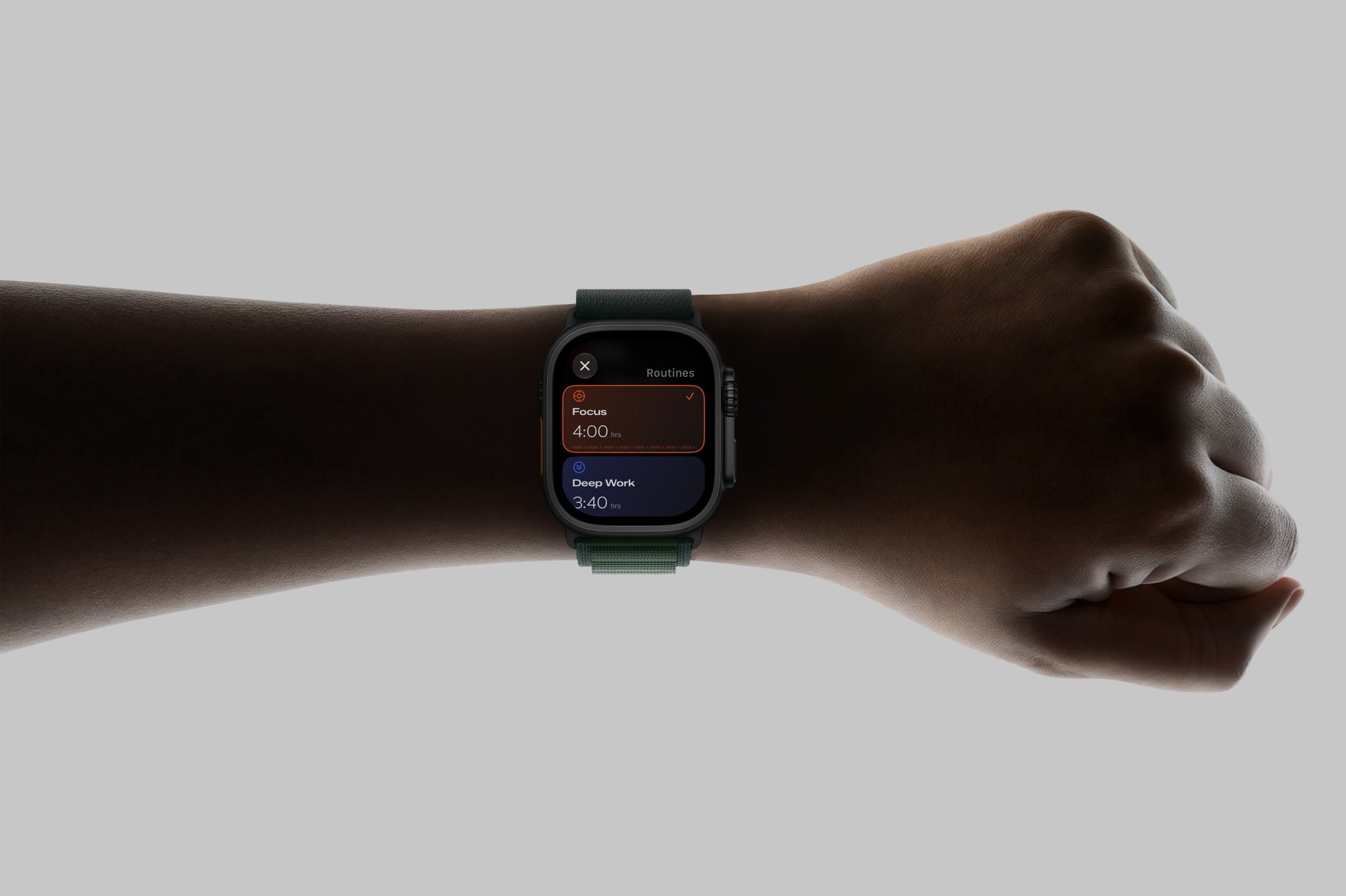
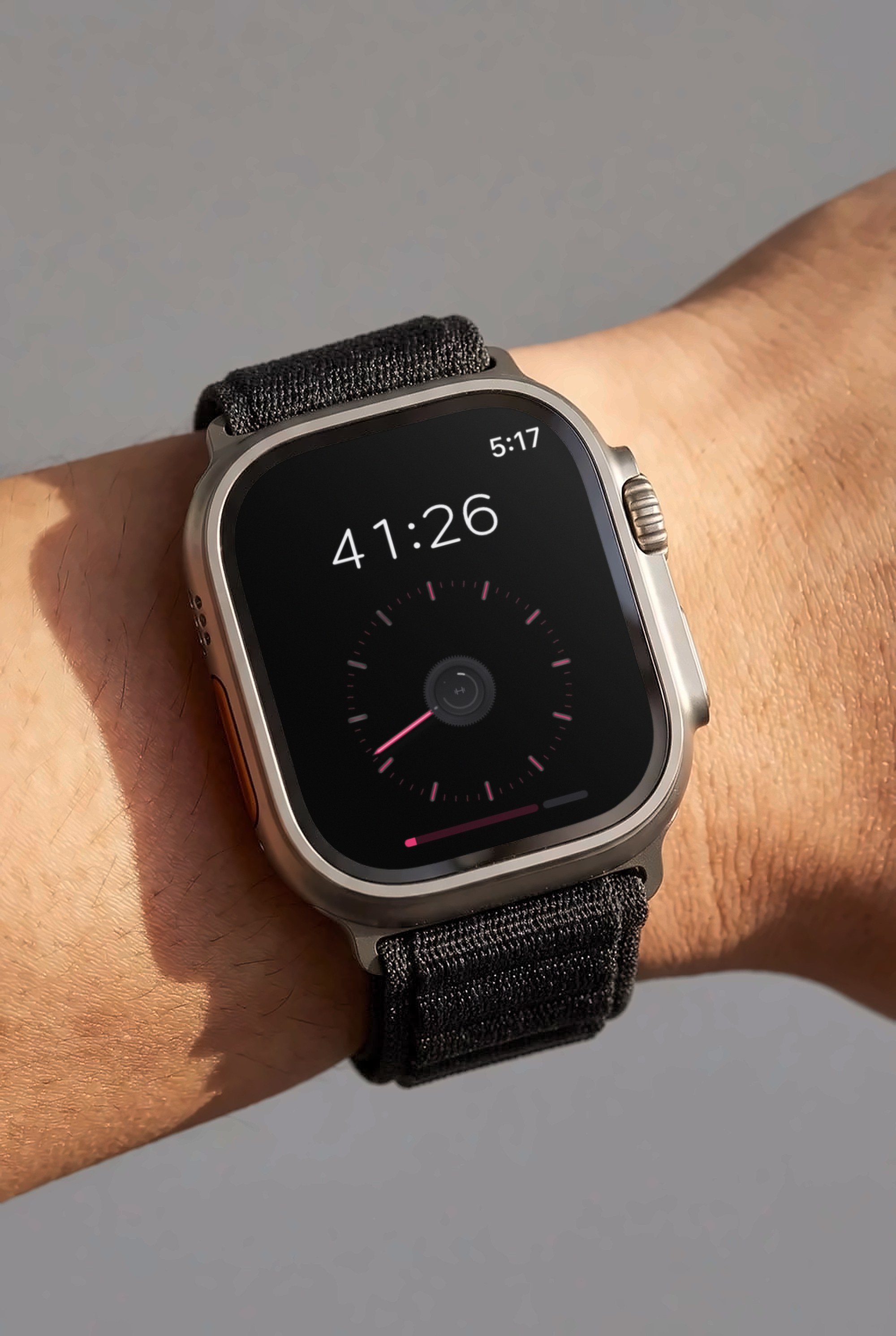
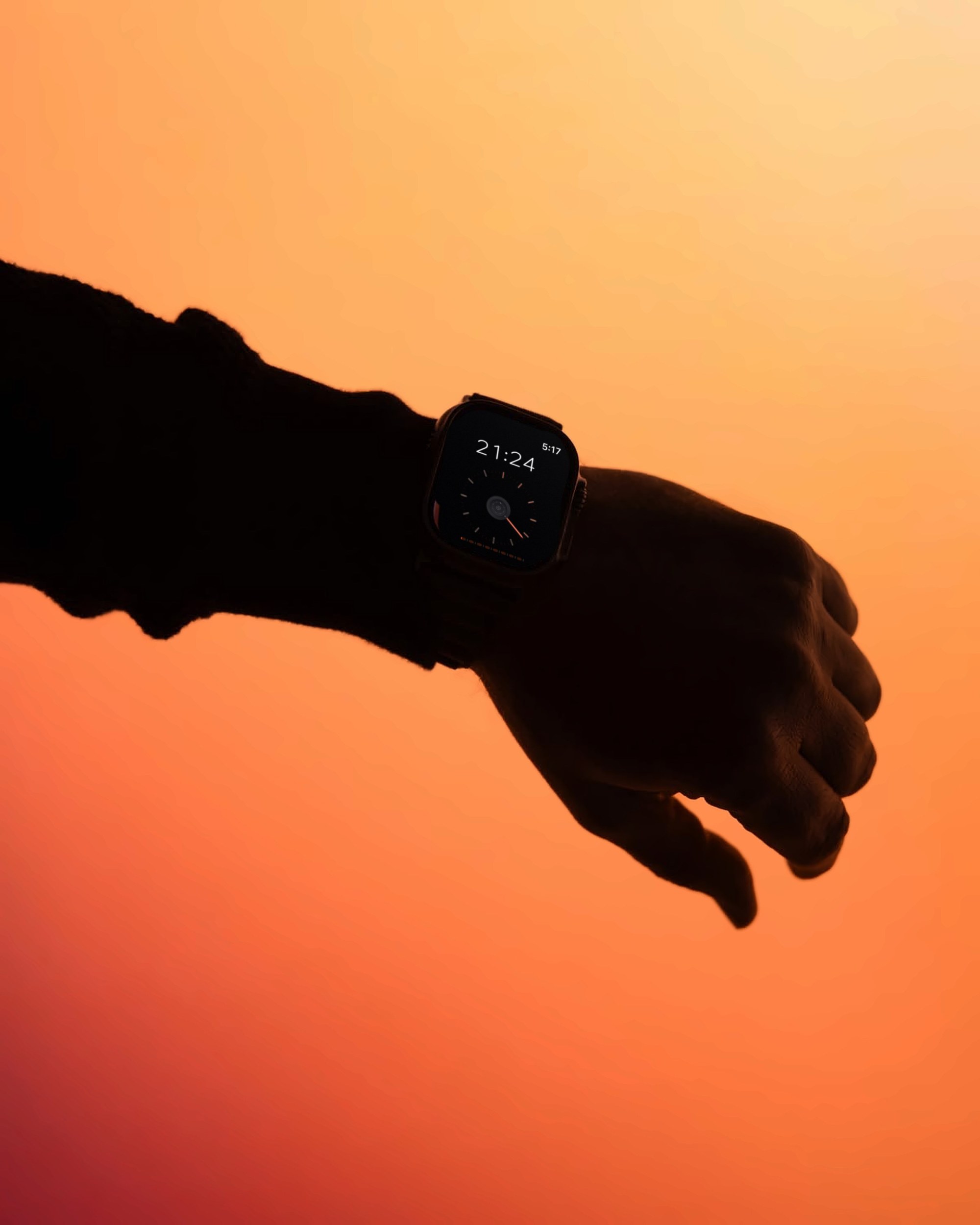
Your routinesSynced from your iPhone.Mid-workoutTime left at a glance.On your wristThe Digital Crown turns the knob.
One dial. Your whole routine.
Coming soon for iPhone, iPad, Mac and Apple Watch.
 Taaktil